


The below references text that can be found on the README of the Bitbucket Repository for this project. If you’re looking for the source code, please use the repository link
Otherwise, continue below:
Edited on 02/04/2022 to discuss new functionality. See here
Overview
Introduction
What is Deerstack? Deerstack is an absolutely fabulous play on words due to the underlying technologies being based on the elastic stack or ELKstack. As a fun project, I wanted to be able to search through all network traffic and use the Zeek project as a way to capture this traffic, to then get sent to an elastic backend. If you want to just get it going, skip straight to the Deployment section.
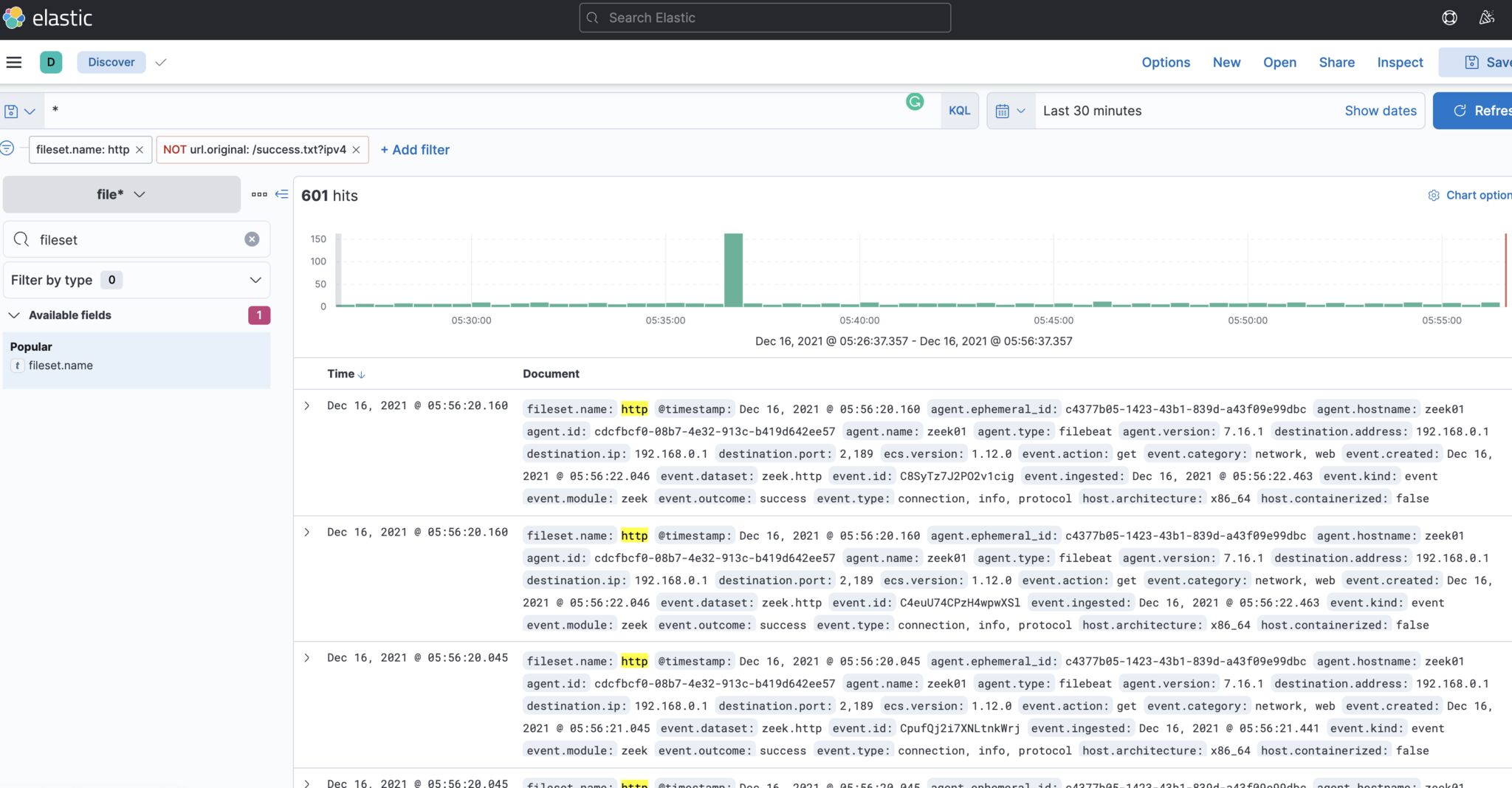
The below contains a breakdown of the project with some reflections at the end.
Core technologies
As mentioned, this project is built off freely available software. The main technologies:
- Docker
- ElasticSearch
- Kibana
- Filebeat
- Zeek
- Python
Everything is wrapped in docker containers, done deliberately so to avoid the need to make major system modifications on the host OS.
Component Breakdown
The two main components of this project are a server: The server runs:
- Elastic
- Kibana
- A reverse proxy, so to only expose what’s required and hide everything behind one endpoint, while ensuring insecure connections get upgraded to HTTPs
- A container (called setup-elastic) which does some housework like setting up the index patterns in Kibana so you’re all ready to go
Secondly, we have a collector which has the following:
- A container to run Zeek and convert network data into JSON
- A container to run Logstash to ingest and forward the data on
The collector containers both map to a shared volume which is located at
/opt/deerstack/collector/opt_zeek
Considerations for where to install the collector:
You can install the collector on anything that meets the requirement. It can even monitor multiple interfaces. Think of the best place to deploy the collector. For example, my firewall sits in a VM; so I have created a monitoring VM connected to a VSwitch where the port group includes all VLANs for maximum capture. I plan to do a full writeup about this later on.
If you were just interested in a particular server’s traffic, you could just install it on one or two servers. You can identify unique logs from collectors by their names in kibana. This is dictated by whatever you called them in the collector installation script.
Project Caveats:
There are some limitations and design choices that went into play here.
Exact versions for the official elastic containers
The docker compose file specifies exactly which version of elastic, kibana and Logstash to run. This means that if there are any updates, they all must be manually replaced. This was done as the official docker images are indexed in this way and it’s not possible to use a tag like ’elasticsearch:latest’. Therefore, this would be on the maintainer (me) to update. Disclaimer: I probably won’t reguarly as I have this project locked down in a home network.
Architecture support
This collector will only run on x86/x64 architecture. This was a deliberate choice. The zeek packages are only pre-compiled for x64/x86 only within the openSuse repository where they are pulled from. Yes, you could manually compile Zeek within the container, however, there are too many things that could go wrong with this. One of which is that compilation requires over 2GB of RAM. I wanted this to be able to run on a lightweight VM or similar. As such, I am fully aware it makes the collector incompatible with devices like RaspberryPi with use the ARM instruction set.
Non-permanent storage for data
Currently rebuilding the container will destroy any data. This is because the docker-compose file creates a mapping to a volume that has a storage limit. This choice was done to make sure this project couldn’t eat a whole disk and potentially render the host OS inoperable. However, a docker limitation of doing this is that the device must be specified and I could only get it to work with ’tmpfs’, which as I understand will wipe the container on rebuild. A fix around this is to instead map these locations to a physical area on disk. The only reason I haven’t done this is to stop the disk from filling up. See Future improvements for how I’d like to get around this.
Future improvements:
There are of course some future improvements I’d like to do, as with any projects
Introducing a cleanup container:
Within Logstash, I have specified logs should go into an elastic index which also has the date in, therefore each day has its own index. The sharp amongst you may already know about ILM (Index LifeCycle Management) which can clear out old indexes through policies. I had to disable this in the Logstash configuration. I encountered a bug(?) where as the elastic container sits behind a reverse proxy, Logstash would not start with ILM enabled. There are others who report the same issue when elastic is behind a reverse proxy. Instead, I would like a script that just polls available indexes and removes any older than ‘X’ date. This should be simple enough to do in Python, but I currently do not have an urgent need for this functionality.
==== UPDATE ====
This functionality is now offered as part of Deerstack server. The default retention is 100 days. If you have already deployed the server, you can add the following to the file /etc/deerstack/server/server.conf:
INPUT_RETENTION_DAYS=<days>
To update the running server configuration, re-run sudo ./server_installer.sh. All pre-configured settings will be saved.
Introducing cleanup with the zeek-listener:
Zeek’s default behaviour is to save logs indexed by date in /opt/zeek/logs/. A new container should remove old logs on a period basis to stop disk space filling up. Currently Zeek places these in a .gz file so reduced disk space but they will never actually get cleared out.
Mapping data volumes on the server side to physical locations
In doing so, enabling peristant storage. This could be done by doing something like the following in the server docker-compose.yaml file:
- /opt/deerstack.kibana-data:/usr/share/kibana/data:z
instead of
- kibana-data:/usr/share/kibana/data:z
… and for persistent elastic storage:
- /opt/deerstack/elasticsearch-data:/usr/share/elasticsearch/data:z
instead of
- elasticsearch-data:/usr/share/elasticsearch/data:z
Custom mappings could also be put in the installer script.
So why not do them?
Well, the project works for me and that’s what it was designed for. I could continue to tweak this for months due its complexity but I won’t. All the improvements are all things I’m confident I could do and the real challenge for me was setting up the other aspects, like getting Logstash working properly.
Disclaimers
Licensing:
I am no licensing expert. I think I have used stuff which is free but please do not re-distribute any of my custom code. The technologies used are listed at the begining. The user must take it upon themselves to review licensing for each.
Maintaining:
The objective of this repo is to demonstrate a technical ability and to review room for improvements. I have this installed on a personal network with no intention to ‘actively’ maintain this. Future tweaks may get pushed.
Security:
Any security involved is only as good as the software I’ve used. I make no statement that this project is ‘secure’ or ‘insecure’.
EOF
